If your calendar has gaps but your ads and listings get clicks, the website for appointment booking is often the real problem. People rarely book from an ad; they book from a website that feels easy, safe and clear. This guide covers the website issues we find most often in salons, clinics, studios and consultants' sites at Savoir Management, and how to fix them.
Why does your website matter more than your ads for bookings?
Ads and listings create interest, but the website is where people decide. If the booking path is confusing, slow or untrustworthy, paid and organic traffic leaks away before anyone books.
Most visitors arrive on a phone. Pew Research Center reports 91% of U.S. adults own a smartphone, so test your booking flow on a real phone before anything else.

Fix 1: Is your "Book now" button easy to find?
Put a high-contrast "Book now" button in the header and on every service page, and keep it visible while scrolling on mobile. If visitors have to hunt for it, many will not.
Fix 2: Is the booking flow short enough?
Keep booking to three or four steps, allow guest booking and pre-fill what you can. Account creation before booking is one of the biggest drop-off points.
Choose service
Choose time (and staff, if relevant)
Enter details and pay if required
Instant confirmation with calendar invite
Fix 3: Do visitors trust you enough to book?
Trust comes from secure, professional pages, real reviews, clear pricing and policies and recognizable branding. Missing any of these makes people hesitate, especially for first visits.
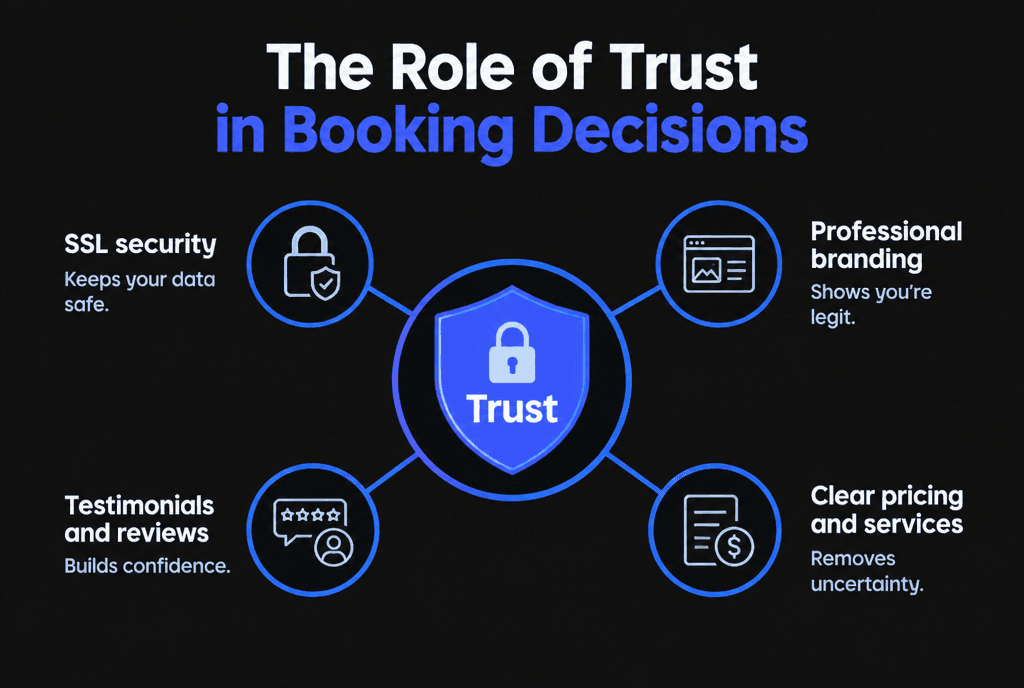
Serve every page over HTTPS; free certificates are available from Let's Encrypt.
Show reviews near the booking button.
State cancellation and deposit policies plainly.
Fix 4: Are prices and service details clear?
List each service with duration, starting price and what is included. Uncertainty about cost or time is a major reason people abandon booking or call instead.
Fix 5: Is the site fast and accessible?
Slow, jumpy or hard-to-use pages lose impatient mobile visitors. Meet Core Web Vitals targets and basic accessibility standards so everyone can book.
Use Web Vitals targets (LCP within 2.5 seconds, INP of 200 milliseconds or less, CLS of 0.1 or less) and WCAG basics such as labeled form fields and keyboard support.
Fix 6: Can local customers find you?
Booking only happens if people find you. Clear service pages, LocalBusiness structured data and a complete Google Business Profile with a booking link improve local visibility.
Google ranks local results on relevance, distance and prominence, according to its local ranking tips. Add LocalBusiness structured data with hours and location.

Fix 7: Do reminders and policies reduce no-shows?
Automated confirmations and reminders, easy rescheduling and deposits for high-value appointments reduce no-shows and protect revenue from bookings you already won.
Fix 8: Is the booking system connected to your calendar?
Two-way calendar sync prevents double bookings and shows real availability. Outdated availability frustrates customers and staff alike.
Fix 9: Are you measuring booking drop-off?
Track each step of the booking flow in analytics to see where people leave, then fix that step first.
Use Google Analytics recommended events for begin_checkout-style steps and completed bookings.
What is the ROI of a smart booking website?
More completed bookings from the same traffic, fewer no-shows and less staff time on the phone. Most appointment businesses recover the cost quickly once conversion and no-show rates improve.
For the features and integrations behind a booking-first site, read our guide to booking system website development. Service businesses should also read our web development strategy for service-based businesses. Our web development team builds booking-first websites.