
The website builders vs web developers debate usually starts with price. Builders look cheap and fast; developers look expensive and slow. The real comparison is total cost over three to five years and what each option does for your revenue. Here is an honest look at both, from the migrations we handle at Savoir Management.
When is a website builder the right choice?
Builders are a good choice for simple brochure sites, early-stage businesses testing an idea and owners who want to update everything themselves with no technical help.
If you need five pages, a contact form and a quick launch, a builder like Wix or Squarespace may be enough.
What are the hidden costs behind "cheap" builders?
Monthly plans, premium templates, paid apps and plugins, extra storage, email, booking and e-commerce add-ons and transaction fees accumulate. After a few years, total cost can rival a professional build without the custom results.

Add up three years of plan fees plus every paid app before comparing quotes.
How do builders limit performance and SEO?
Builder templates often load scripts and features you do not use, limit control over code and URLs, and restrict advanced technical SEO. That matters most in competitive markets where every speed and relevance improvement counts.
Google measures loading, responsiveness and stability with Core Web Vitals. If a builder template cannot meet LCP within 2.5 seconds on mobile, your options to fix it are limited.
What security and compliance risks should you consider?
Builders handle hosting security, which is a real benefit, but you depend on the vendor for fixes and features. For compliance needs such as accessibility or healthcare privacy, limited control can make it harder to meet requirements.
Accessibility: templates do not guarantee WCAG conformance. The Department of Justice explains how the ADA applies to websites in its web accessibility guidance.
Security: custom features should be built against the OWASP Top 10 risks, whoever builds them.

Who owns your website on a builder?
You own your content, but the design and functionality live on the vendor's platform. If prices rise, features disappear or you outgrow it, you usually rebuild rather than move.
Open-source platforms like WordPress can be hosted anywhere, which is one reason it powers about 40% of all websites according to W3Techs. Custom-coded sites are fully portable.

What does a web developer do differently?
A developer plans the site around your goals, builds only what you need, optimizes speed and SEO, integrates your tools and gives you full control and ownership. You pay more upfront for a site designed to grow revenue.
Strategy: sitemap and conversion plan before design
Custom features and integrations
Performance tuning and technical SEO
Ownership, portability and documentation
Ongoing maintenance and improvement
How do you choose the right path forward?
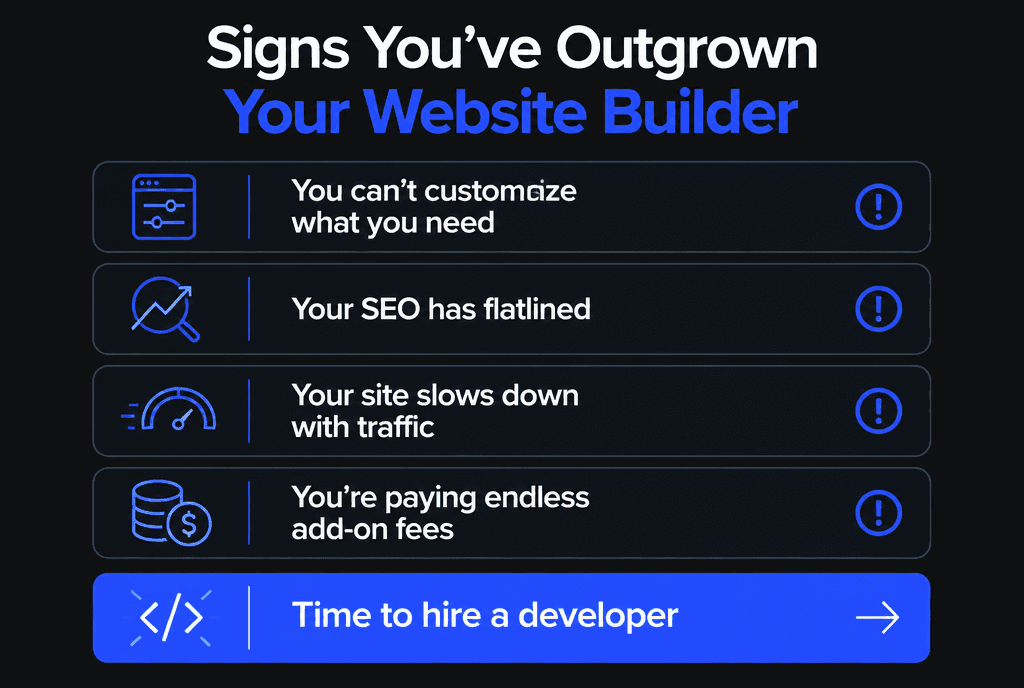
Stay on a builder while it supports your goals. Switch when you cannot customize what you need, SEO has flatlined, the site slows down with traffic or add-on fees keep growing.
When you switch, map every old URL to its new page with redirects so you keep rankings. Read our guides on professional web development vs DIY, how much a custom website costs and why WordPress is still a strong choice. Our web development team handles builder migrations end to end.


